
Partner Icon
Become a Refrens PartnerLearn More

Proforma Invoice Template: Word, Excel & PDF (South Africa)

Pick a proforma invoice template in Word or Excel, or create one with the online proforma invoice generator. Each one has a proforma number, a VAT line at 15% and your bank details. Save it as a PDF and send it.

Proforma Invoice Templates

Download Free Proforma Invoice Templates in Word and Excel

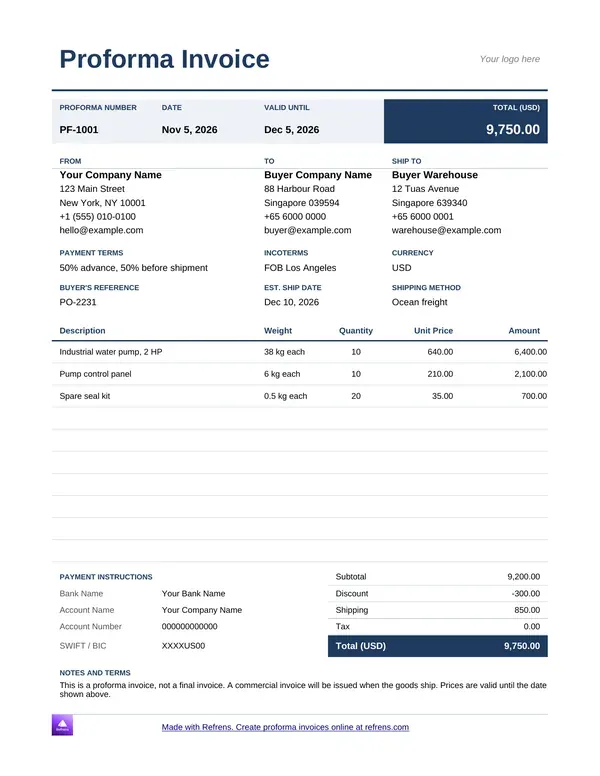
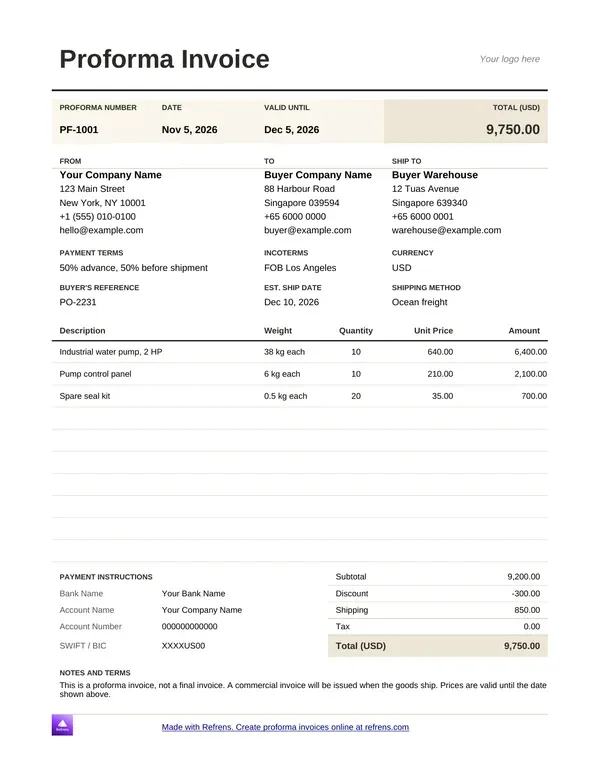
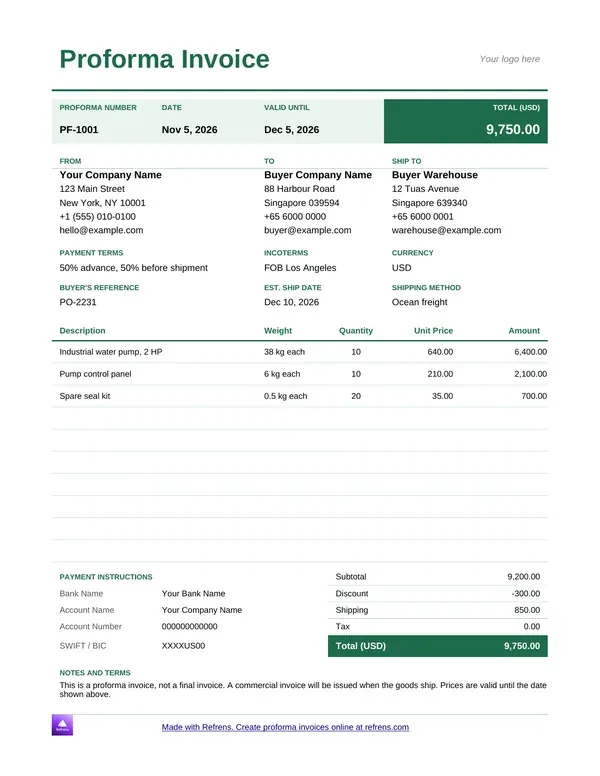
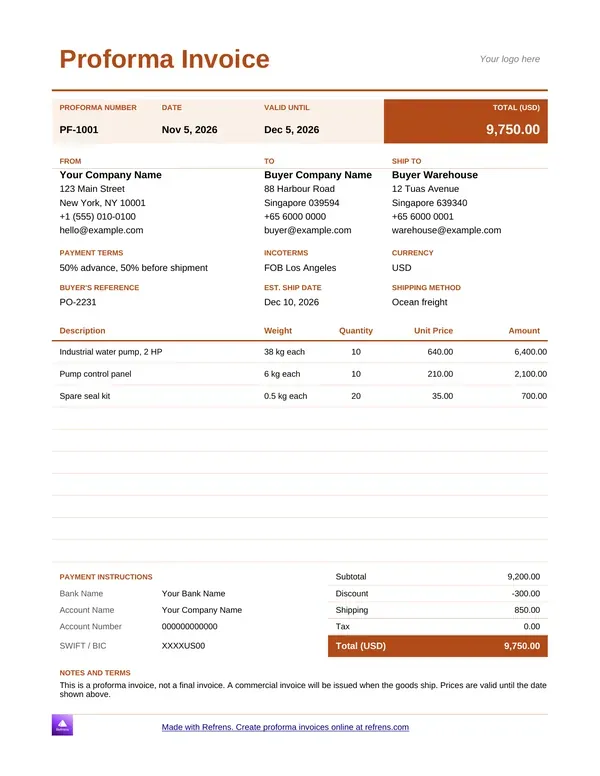
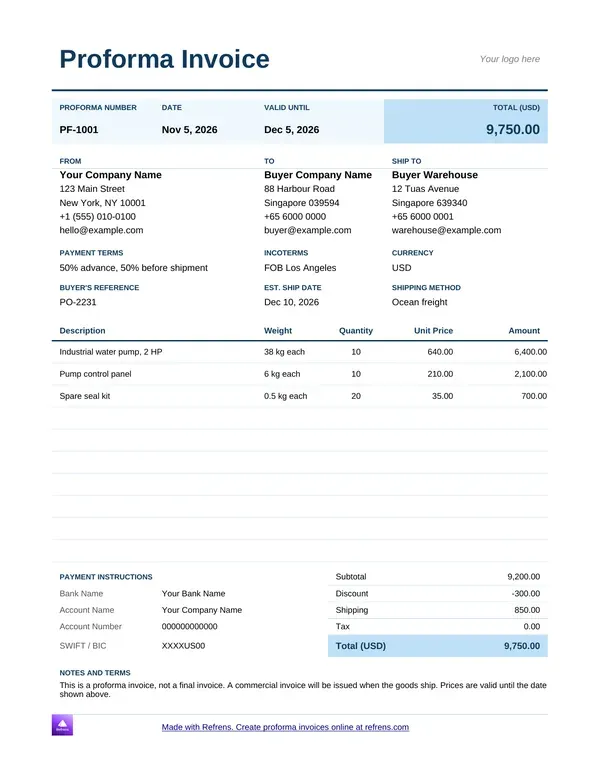
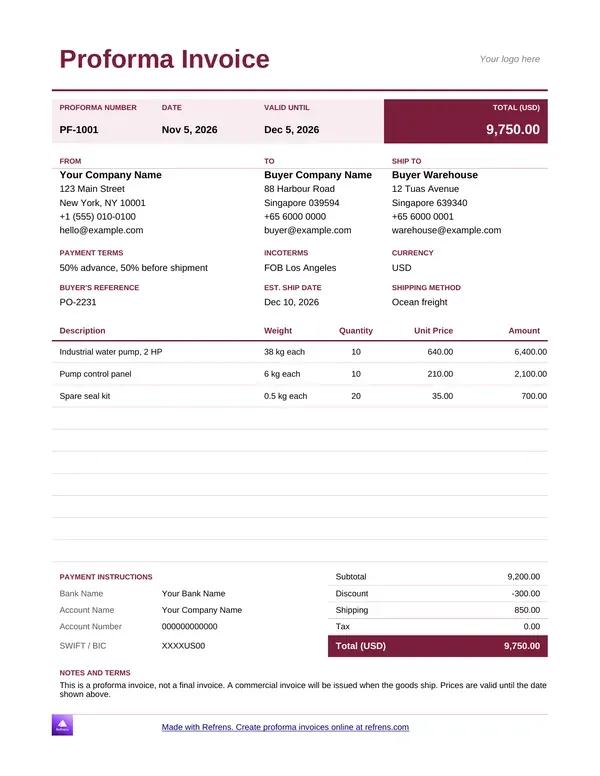
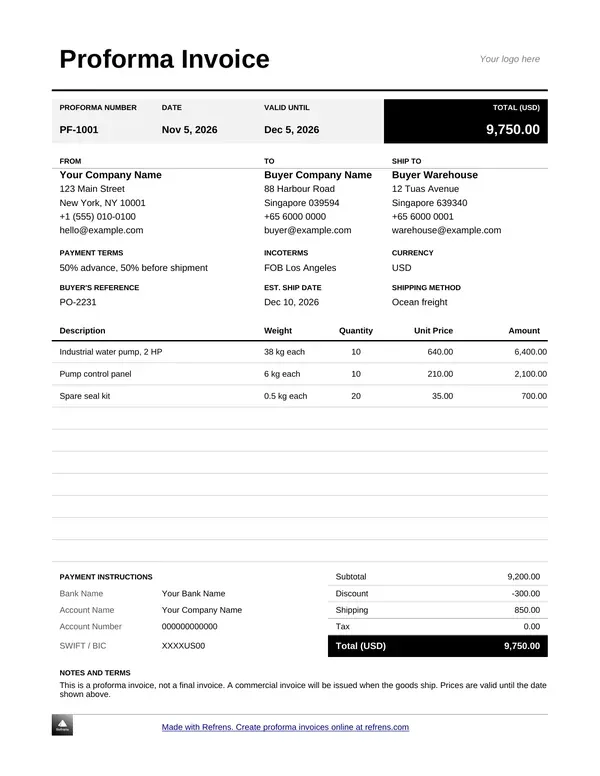
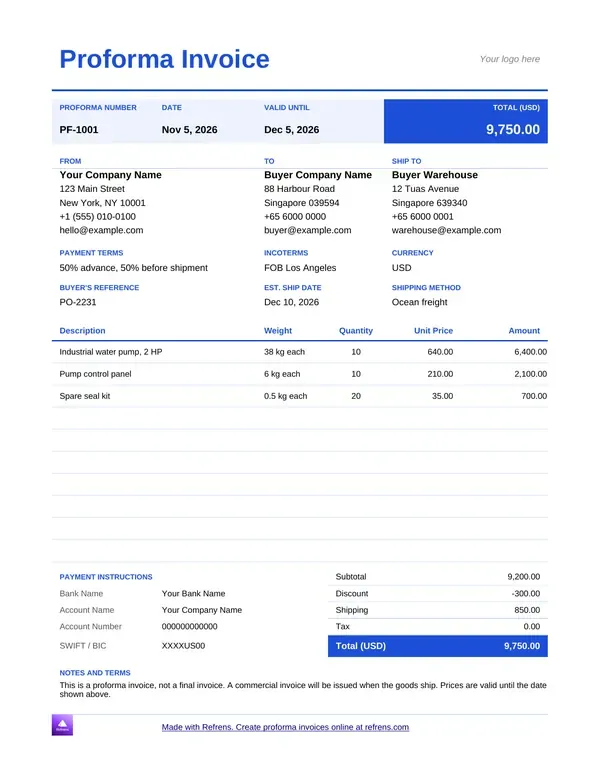
Pick a colour, preview the template, and download it as an editable Word (.docx) or Excel (.xlsx) file.

Proforma Invoice Template in PDF

1
Add Invoice Details
2
Design & Share (optional)
1
Add Invoice Details
2
Design & Share (optional)

Proforma Invoice Templates for FREE

What Is a Proforma Invoice? Free Proforma Invoice Template

A customer wants R85,000 of stock. You want the money before the truck leaves. Send a proforma invoice.

A proforma invoice is a preview of the final bill. You will also see it spelled pro forma invoice. You send it before you deliver the goods or start the work. It lists what you will supply, the price, the VAT and where to pay. The buyer reads it, agrees and pays. Then you supply.

It is not a tax invoice. It never replaces one. After you deliver, you issue the tax invoice.

A proforma invoice template gives you the layout once. You change only the customer, the items and the numbers. This page gives you four ways to make one:

  • Proforma invoice template in Word. Edit it like any document.
  • Proforma invoice template in Excel. It does the maths for you.
  • Proforma invoice generator. Fill in a form online and get a PDF.
  • Proforma invoice PDF. Save any of the three as a PDF and send that.

All four carry a VAT line at 15% and a place for your bank details.

Proforma Invoice Template in Word and Excel

Not sure which file to pick? Word suits a short proforma with a few lines. Excel suits a proforma with many lines, discounts or a deposit. Both save as PDF.

Each file has:

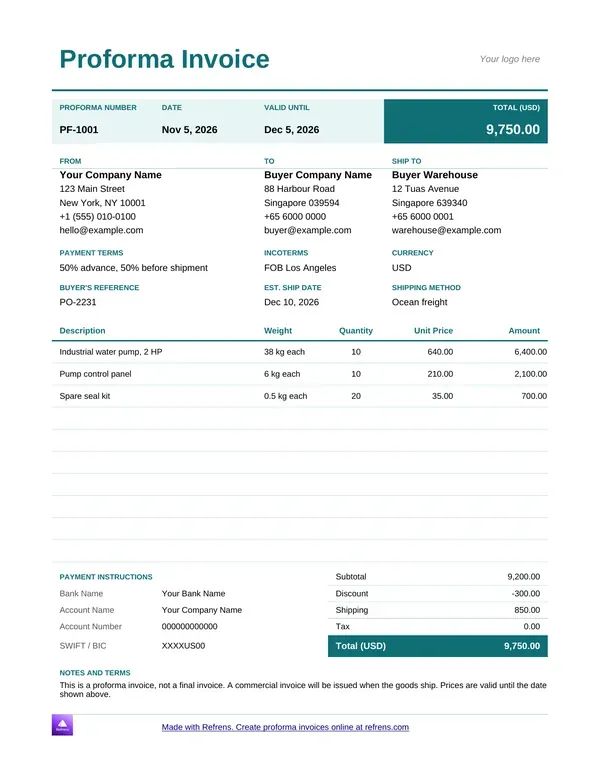
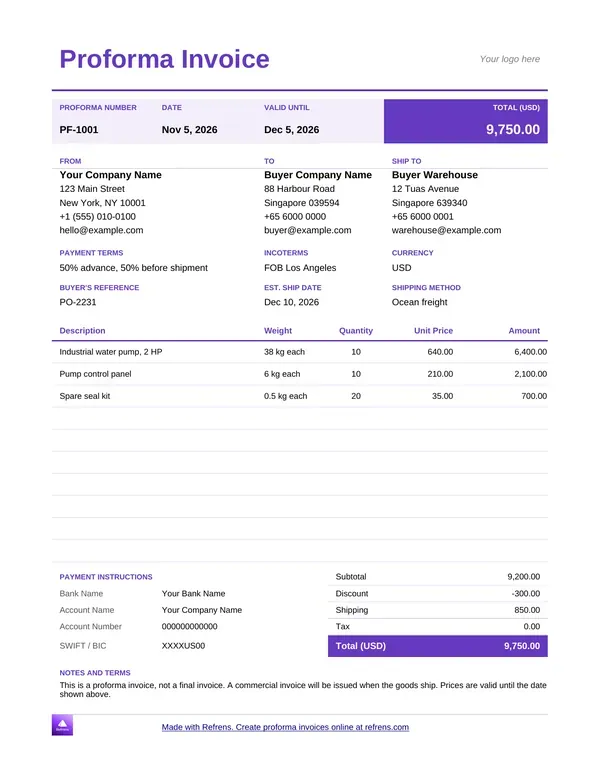
  • A proforma invoice number and date.
  • A Valid Until date.
  • Your company name, address, company registration number and VAT registration number.
  • The customer's details.
  • A line-item table with description, quantity, rate and amount.
  • A VAT line at 15% and the total in rand.
  • Your bank details and payment terms.
  • The line "This is not a tax invoice."

Proforma Invoice Template Word

A proforma is a short document. Word keeps it that way. Open the file, replace the sample text and send it.

Add your logo, your letterhead and your own terms. Nothing locks you out. You type the sums by hand in Word, so check each total before you send.

Proforma Invoice Template Excel

Excel does the arithmetic. It works out each line total, the discount, the VAT and the grand total. Change a quantity and every figure moves.

Use it for wholesale and trade orders with many lines. Add a deposit line when you ask for part payment upfront.

Editable Proforma Invoice Template

Every file is an editable proforma invoice template. Change the text, the columns, the logo, the terms and the layout. Reuse the file for the next customer. Change the proforma number and the Valid Until date every time.

Proforma Invoice Template Word and Excel: How to Download and Fill It In

Eight steps.

  1. Choose the Word or the Excel template.
  2. Click it. The file opens in Google Docs or Google Sheets. You do not need a Google account to see it.
  3. Choose File, then Download, and pick Word (.docx) or Excel (.xlsx).
  4. Replace the sample text with your company name, address, company registration number and VAT registration number.
  5. Add the customer's details and your proforma number.
  6. List each item with its quantity and rate.
  7. Add your payment terms and your bank details.
  8. Check the totals, save the proforma as a PDF and send it.

Proforma Invoice Generator: Create One Online

Skip the file. Use the proforma invoice generator in the form at the top of this page. You add the details. Refrens does the totals and the VAT, then gives you a PDF. Pick a layout, add your logo and set your colours. Add custom columns and fields when your proforma needs them.

How to Make a Proforma Invoice

  1. Scroll to the form at the top of this page and pick a layout.
  2. Add your logo, the proforma number and the date.
  3. Fill in "Billed By" with your business details and "Billed To" with your customer's.
  4. Add each line: item name, quantity and rate. Add a discount or an extra charge if you need one.
  5. Turn on VAT, set it to 15% and add your VAT registration number.
  6. Add your bank details, your payment terms and any notes.
  7. Review the proforma and save it. If you have no account, Refrens asks you to sign up. It is free.
  8. Download the PDF, print it or send it by email.

You can fill in the form before you sign up. The free plan covers 15 documents a year.

How to Make a Proforma Invoice in Excel

Build your own and you spend the first hour on formulas and borders. The Excel template above already has them. If you still want to build one, five formulas do the job.

Here is an illustrative example. A Cape Town packaging distributor sells 200 cartons and 50 rolls of tape to a customer. The customer pays half upfront.

  • Cartons. 200 at R42 each gives R8,400.
  • Tape. 50 rolls at R38 each gives R1,900.
  • Delivery. One line at R600.
  • Subtotal. R8,400 plus R1,900 plus R600 gives R10,900.
  • VAT at 15%. R10,900 times 15% gives R1,635.
  • Total. R10,900 plus R1,635 gives R12,535.
  • Deposit at 50%. R12,535 divided by two gives R6,267.50. The balance is another R6,267.50.

In Excel, with the lines in rows 2 to 4, each line total is =B2*C2. The subtotal in D5 is =SUM(D2:D4). VAT in D6 is =D5*0.15. The total in D7 is =D5+D6. The deposit in D8 is =D7*0.5.

Change a quantity in column B and every figure moves.

Proforma Invoice PDF

Send a PDF. Keep the Word or Excel file as your working copy. A PDF keeps your layout and stops anyone changing your price.

  • Word. Choose File, Save As, then PDF.
  • Excel. Choose File, Save As, then PDF. Set the page to fit one page wide first, so no column spills onto a second page.
  • Google Docs or Google Sheets. Choose File, Download, then PDF.
  • Generator. Download the PDF straight from the form.

Name the file with the proforma number and the customer, for example PF-0042-Customer-Name.pdf. You will find it in seconds a year from now.

What to Put on a Proforma Invoice

Every proforma needs the same bones, whatever your trade.

  • A clear title. Write "Proforma Invoice" at the top. Add "This is not a tax invoice."
  • Your branding. Your logo or company letterhead.
  • Proforma number. One number per proforma. Keep a number series of its own, such as PF-0001.
  • Date and Valid Until date. The day you issue it and the day your price stops holding.
  • Billed By. Your name, address, phone, email, company registration number and VAT registration number.
  • Billed To. The customer's name, address, phone and email.
  • Items. Description, quantity, rate and amount for each line. Add discounts and delivery here.
  • Totals. Subtotal, VAT at 15% and the total in rand.
  • Payment details. Bank name, account name, account number, branch code and the reference the customer must use.
  • Terms. Deposit, payment deadline, delivery date and who pays for freight.
  • Signature or company stamp. It shows who stands behind the proforma.

Four fields settle most disputes before they start: the Valid Until date, the VAT line, the payment reference and the deposit with its balance. Fill those four with care.

Miss one and the customer phones you. Or pays late.

Proforma Invoice vs Quotation

A quotation is an offer. It says "here is the price, want it?" The buyer has not agreed yet. They compare you with the next supplier.

A proforma invoice comes after the yes. The buyer has agreed. Now you ask for payment before you supply.

The order looks like this:

  1. Quotation. The buyer decides.
  2. Proforma invoice. The buyer pays.
  3. Delivery. You supply the goods or the work.
  4. Tax invoice. You bill for the supply.

Neither of the first two is a tax invoice. Skip the proforma when the buyer pays on credit terms. Send the quote, then the tax invoice.

Need the quote first? Use the free online quotation generator or quotation software to send it and keep track of it. When the buyer accepts, copy the same lines into the proforma.

Proforma Invoice vs Tax Invoice in South Africa

VAT in South Africa is 15%. If you charge VAT, show it on your proforma. The buyer sees the full price before they pay.

A proforma invoice is a preview. A tax invoice is the document for the sale. A buyer cannot use a proforma to claim input VAT. They need your tax invoice.

Keep your numbers apart. Give proformas their own number series. Keep your tax invoice numbers in a separate run. Mix the two and your tax invoice sequence fills with gaps.

When the buyer pays and you supply, issue the tax invoice with the free online invoice generator. In Refrens you convert the proforma to an invoice in one click.

Do you not charge VAT? Delete the VAT line.

Here is the difference at a glance:

  • Quotation. An offer. Before the buyer agrees. The buyer decides.
  • Proforma invoice. A request for payment. After the buyer agrees and before you supply. The buyer pays. Not a tax invoice.
  • Tax invoice. The bill for the supply. After delivery. The buyer keeps it for their records.

When to Issue a Proforma Invoice

  • Prepayment. A new customer places a large order. You ask for payment before you ship.
  • A deposit. A contractor or service job needs materials bought upfront. The proforma shows the deposit and the balance.
  • Special orders. You buy stock in for one customer. Nobody else will buy it if they walk away.
  • Payment approval. The buyer's finance team needs a document before it releases money.
  • Cross-border sales. Buyers abroad ask for a proforma to arrange payment and customs clearance.

Skip it for regular customers on credit terms. Go straight to the tax invoice.

Proforma Invoice Examples by Trade

Three illustrative examples. Each one shows what the buyer sees and what you ask them to pay first.

  • Trader buying in goods. A Johannesburg trader sources 120 units at R310 for one customer. Subtotal R37,200. VAT at 15% is R5,580. Total R42,780. The customer pays in full before the trader orders.
  • IT services firm. A Durban firm quotes a network upgrade: 40 hours at R650 is R26,000, and cabling and a router add R9,500. Subtotal R35,500. VAT is R5,325. Total R40,825. The firm asks for 50% upfront, which is R20,412.50.
  • Contractor. A Pretoria contractor prices materials at R48,000 and labour at R32,000. Subtotal R80,000. VAT is R12,000. Total R92,000. The contractor asks for 30% to buy materials, which is R27,600.

Same document. Three different asks. Put the deposit and the balance on the proforma as separate lines, and the buyer never has to guess.

Six Proforma Invoice Mistakes

Each mistake sits next to the field that prevents it.

  • No "not a tax invoice" line. The buyer treats your proforma as a bill and asks to claim VAT on it. Print the line under the title.
  • VAT left unclear. The customer reads R12,535 and expects VAT included. You meant R10,900 plus VAT. Show the price before VAT, the VAT and the total on separate lines.
  • No Valid Until date. The customer pays three months later, after your costs have moved. Fill the date every time.
  • Tax invoice numbers reused. Your tax invoice sequence loses its numbers. Use the proforma number series.
  • No payment reference. The money lands in your account and nobody knows whose it is. Put the reference on the proforma.
  • Sending the editable file. A Word or Excel file lets anyone change a number. Send the PDF.

Check the six before you hit send. It takes a minute.

What a Proforma Invoice Template Cannot Do

A file is a good start. It has limits.

  • It does not number your proformas. You keep the count. You avoid the duplicate.
  • It does not catch a wrong total in Word. You type the sums by hand. A slip goes out under your name.
  • It does not tell you if the buyer opened it. You wait and guess.
  • It does not become the tax invoice. When the buyer pays, you retype everything into a new document.
  • It does not track the deposit. You check your bank statement against the file.
  • It does not keep your books. Proformas, invoices and payments need a home. Use accounting software for that.

Send a few proformas a month? A file does the job. Send more, and every retyped line is another chance for a mistake. That is when Refrens pays for itself.

Features of the Refrens Proforma Invoice Generator

Customised Templates

Change the layout to fit your proforma. Add custom columns and fields. You do not retype the same details for every customer.

Colours

Pick the colours of your proforma. Set the margins and the print layout too.

Keep Records

Stop searching your computer for old proformas. Manage and track every proforma in one place.

Proforma to Invoice

Turn a paid proforma into a tax invoice in one click with Refrens invoicing software. You do not build the invoice from scratch.

Track Your Emails

Email a proforma and see whether your customer opened it.

Schedule Your Email

Pick a date and time. Refrens sends the proforma on time, even when you are away from your desk.

Multiple Currencies

Issue the proforma in rand, or in the currency your customer pays in.

Create a proforma invoice on Refrens for free.

Which Document Do You Need?

Pick Your Proforma Invoice Template and Send It

Pick a proforma invoice template in Word or Excel above, or fill in the generator at the top of this page. Replace the sample text, check the VAT and send the proforma as a PDF. Word suits a short proforma. Excel suits one with many lines and a total that has to be right.

When the files start to slow you down, move your proformas into Refrens. It calculates the VAT, shows whether the customer opened your email, keeps every document in one place and turns the paid proforma into a tax invoice. Start free.

FAQ

What is a proforma invoice?

A proforma invoice is a preview of the final bill. You send it before you deliver the goods or do the work. It lists the items, the price, the VAT and your bank details, so the buyer can agree and pay first. You will also see it spelled pro forma invoice. It is not a tax invoice.

Is there a proforma invoice template in Word?

Yes. Choose the Word template on this page. It opens in Google Docs. Choose File, then Download, and pick Word (.docx). Replace the sample text with your details. You can edit anything: text, columns, logo and terms.

Where can I download a proforma invoice template in Excel?

Right here. Choose the Excel template on this page. It opens in Google Sheets. Choose File, then Download, and pick Excel (.xlsx). The Excel file calculates the line totals, the discount, the VAT and the grand total.

How do I make a proforma invoice?

Add your logo, the proforma number and the date. Fill in your details and your customer's. List each item with its quantity and rate. Add VAT at 15%, your bank details and your payment terms. Save the proforma as a PDF. Or use the generator at the top of this page and let Refrens do the totals.

Is there a free proforma invoice generator?

Yes. Use the proforma invoice generator in the form at the top of this page. You can fill it in before you sign up. Downloading the PDF needs a free account. The free plan covers 15 documents a year.

How do I save a proforma invoice as a PDF?

In Word or Excel, choose File, Save As, then PDF. In Google Docs or Google Sheets, choose File, Download, then PDF. In the Refrens generator, download the PDF from the form. Set an Excel sheet to fit one page wide before you save.

What is the difference between a proforma invoice and a quotation?

A quotation is an offer. The buyer has not agreed yet. A proforma invoice comes after the buyer agrees. It asks for payment before you supply. Neither is a tax invoice. The tax invoice comes after the supply.

Is a proforma invoice a tax invoice in South Africa?

No. A proforma invoice is a preview of the bill. A tax invoice is the document you issue for the sale. A buyer needs the tax invoice, not the proforma, to claim input VAT. Put "This is not a tax invoice" on every proforma.

Does a proforma invoice need VAT?

If you charge VAT, show it. Add VAT at 15% as its own line, so the buyer sees the full price before they pay. If you do not charge VAT, delete the VAT line.

Can I edit a proforma invoice template?

Yes. The Word and Excel files are fully editable. Change the text, the columns, the logo, the terms and the layout. Reuse the file for each customer, and change the proforma number and the Valid Until date every time. Send the finished proforma as a PDF so nobody edits your price.

Do I need a Google account to download the template?

No. Click the template and the file opens in Google Docs or Google Sheets. You can see it without a Google account. Choose File, then Download, and pick Word or Excel.

What must a proforma invoice include?

A proforma invoice must include:

  • "Proforma Invoice" and "This is not a tax invoice" at the top.
  • The proforma number, the date and the Valid Until date.
  • Your details, with your company registration and VAT registration numbers.
  • The customer's name, address and contact details.
  • Each item with its quantity and rate.
  • The subtotal, VAT at 15% and the total in rand.
  • Your bank details and the payment reference.
  • Your terms: deposit, deadline and delivery.

What does pro forma mean?

Pro forma comes from Latin and means "as a matter of form". In business, a pro forma invoice is the bill you issue as a preview, before the sale completes. You will see it written as one word, proforma, or as two. Both mean the same document.

How long should a proforma invoice stay valid?

Long enough for the buyer to approve and make the payment. Short enough that your price holds. Choose the shortest window your buyer can meet, and write the Valid Until date on the proforma. Use a shorter window when stock or material prices move often.

Should I pay a proforma invoice?

Pay it when you agree with the price and trust the supplier. The proforma is a request for payment before delivery. Check the items, the VAT and the bank details first. Ask for the tax invoice after you pay, because that is the document you keep for your records.

Can I turn a proforma invoice into a tax invoice?

Yes. After the buyer pays and you supply, issue the tax invoice with the same lines. In Refrens you convert the proforma into an invoice in one click. You give the invoice its own number from your tax invoice series.

About Refrens block

Refrens is cloud invoicing and quotation software for small businesses, with a built-in sales CRM and inventory. Service industries such as agencies, consultants, IT businesses and T-KIBS (Technology- and Science-Based KIBS), along with contractors, wholesalers, traders and distributors, use it to quote, bill and keep records in one place. More than 6,300 South African businesses created quotations on Refrens, and more than 2,900 created invoices.


Made with and in Bengaluru.

Refrens Internet Pvt. Ltd. | All Rights Reserved
This site is protected by reCAPTCHA and the Google Privacy Policy and Terms of Service apply.
Refrens ISO Certificate