
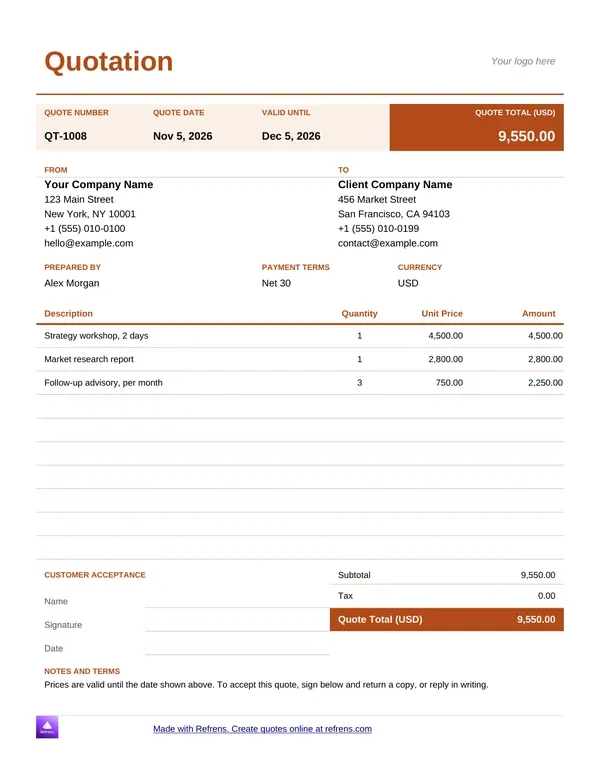
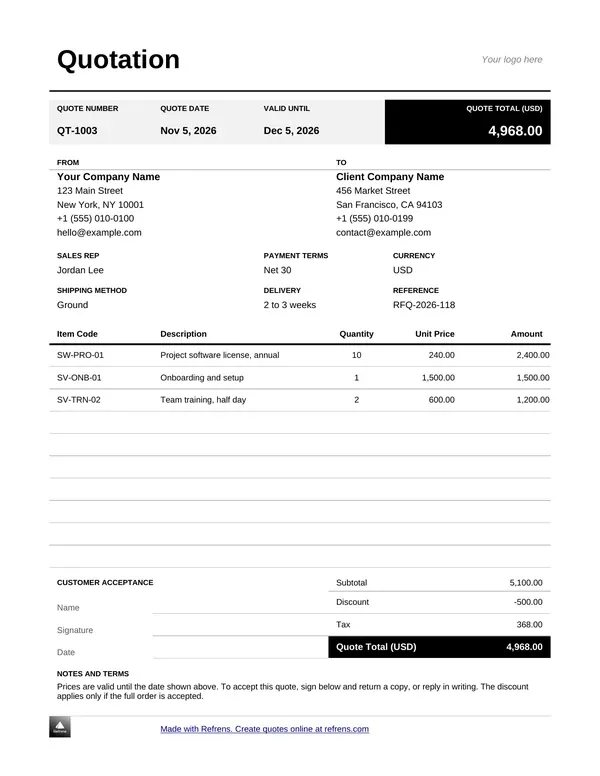
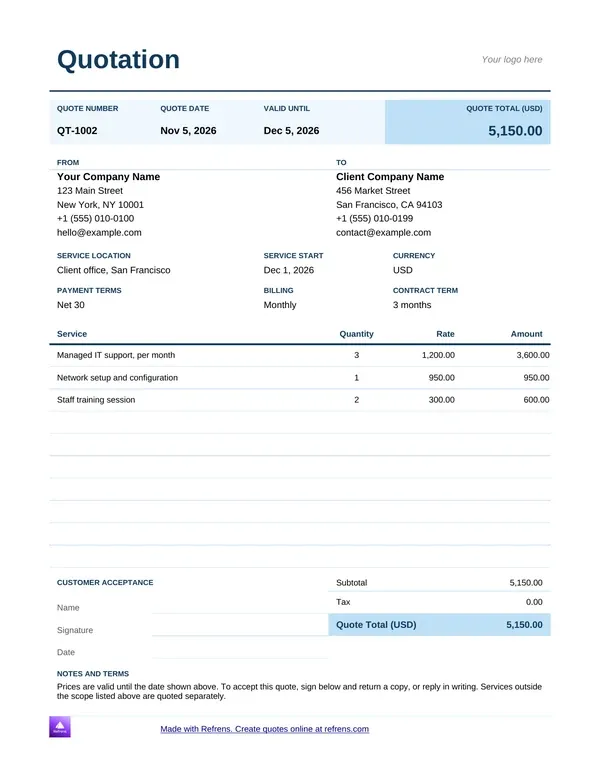
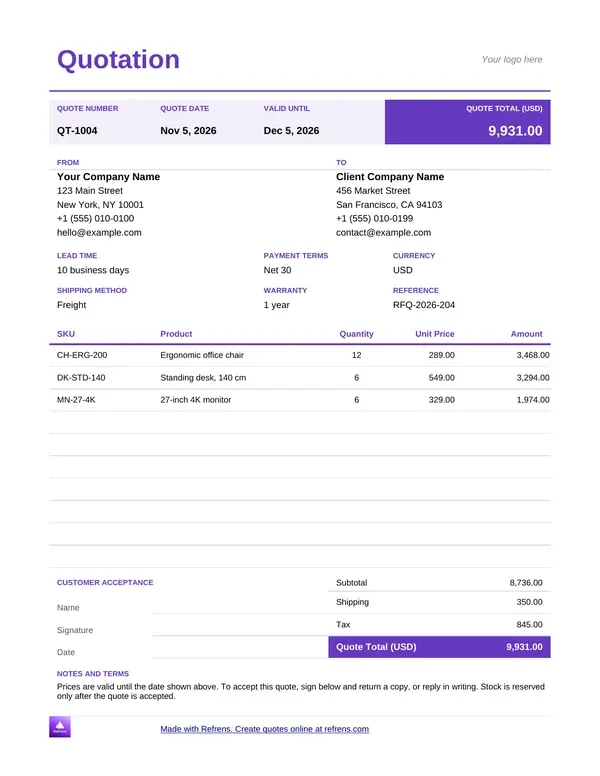
Pick the quotation template that fits your business, preview it, and download it as an editable Word (.docx) or Excel (.xlsx) file.
You need a quote out today. Start from a blank page and you lose an hour on layout. Start from a file below and you lose a few minutes.
These quote templates come in Word and Excel. Each one has a quote number, a Valid Until date, fields for your company and VAT registration numbers, a line-item table and a 15% VAT line. The Excel files do the maths for you. They work out line totals, discounts, VAT and the grand total.
Not sure which format to pick? Word suits a short quote with a lot of text. Excel suits a quote with many lines and prices. Both save as PDF.
A quote is your first sales document. The buyer should find your price, your terms and the date the offer ends without hunting for them.
The Word files give you that layout. Open one, replace the sample text and send it. You can add your logo, your letterhead and your own terms. Nothing is locked.
No file matches your trade? Use the sample quote. It works for any business.
Prefer to fill a template on screen? Refrens also has free quotation templates that create a PDF in the layout you choose.
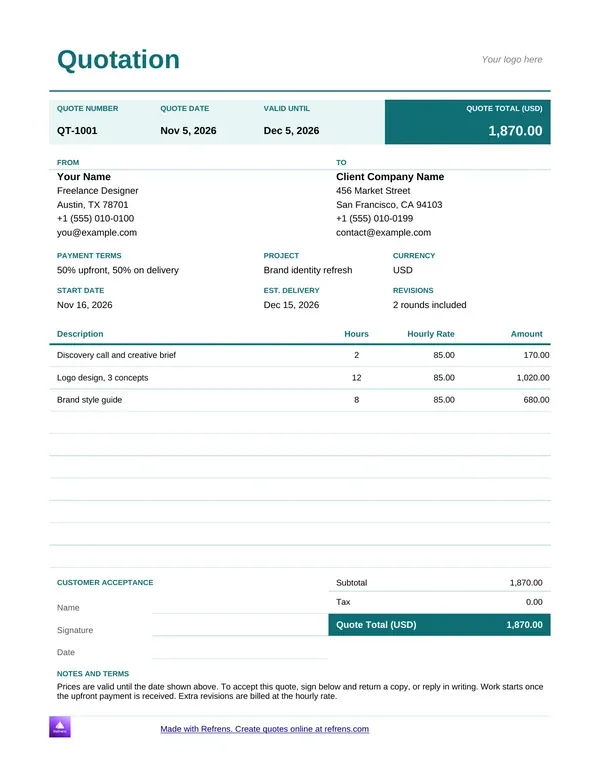
Freelancers sell hours. So the quote lists hours.
The freelance template has a column for your hourly rate next to the hours and the line total. Estimate the hours, set your rate and the price follows. Add a separate line for revision rounds. Say what an extra round costs.
Quoting a fixed fee? Drop the hours and write one line per deliverable.
Cleaning. IT support. Housekeeping. A call centre. Every service quote answers one question: what exactly am I paying for?
The service template puts each service on its own line with a rate and a quantity. Use the description to say what is included and what is not. That one habit stops most scope arguments before they start.
Send it as a PDF when you finish. The client gets a fixed layout and a fixed price.
Catering quotes break on headcount. Guests drop out. Guests turn up. The price has to move with them.
Price the food per guest and multiply by the number of guests. List hire, staff and delivery as separate lines. Put the minimum number of guests and your deposit in the terms. In the Excel file, change the guest count and every total updates.
Set a short Valid Until date. Food prices move. Give the client a short window to say yes.
A price quote is the plainest quote. Item, quantity, rate, amount. Nothing else gets in the way.
Change the rate in the Excel file and the amount, the VAT and the total update on their own. The Word file keeps the same layout when you want to edit by hand. Use either one for repeat customers. Change the Valid Until date every time you reuse it.
A sales quote puts the full price in front of the buyer before they commit. Show the total, the discount and the VAT on separate lines. The buyer sees what they pay and why.
Use it for trade and wholesale orders. Show a volume discount as its own line instead of changing the rate. The original price stays visible, and the buyer sees the saving.
Your quote carries your brand. Add your logo and company details at the top.
Show labour, materials and VAT as separate lines when the job needs them. Then add your terms: when payment is due, how delivery works, what happens if the scope changes. A quote with no terms is an offer with no edges.
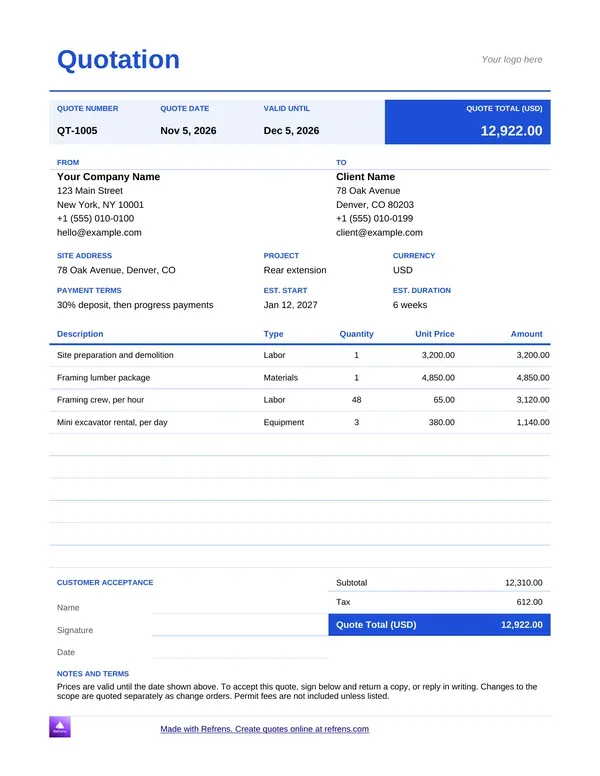
Construction quotes run long. Materials. Labour. Plant hire. Subcontractors. Every line moves the total.
Use the Excel file for a big job. Split the work into sections and list materials and labour apart. Excel adds each section, carries it to the grand total and adds VAT at 15% at the end. The Word file suits a short scope letter for a small building job.
Material prices change. Set a Valid Until date you can honour.
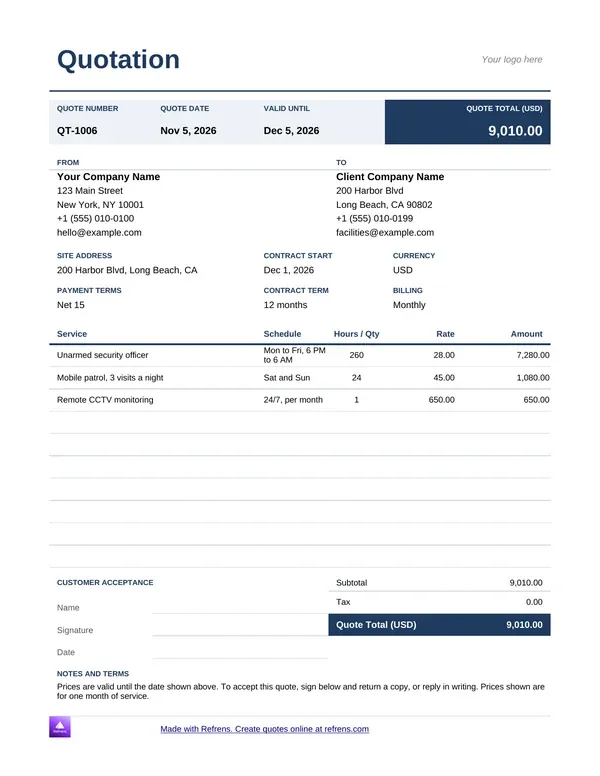
Security quotes sell hours of cover. Name the site, the number of guards, the shift hours and the monthly rate. Put the contract length and the notice period in the terms.
Use the Word file for a formal proposal. Use the Excel file when one quote covers several sites or shifts, because it adds the lines for you.
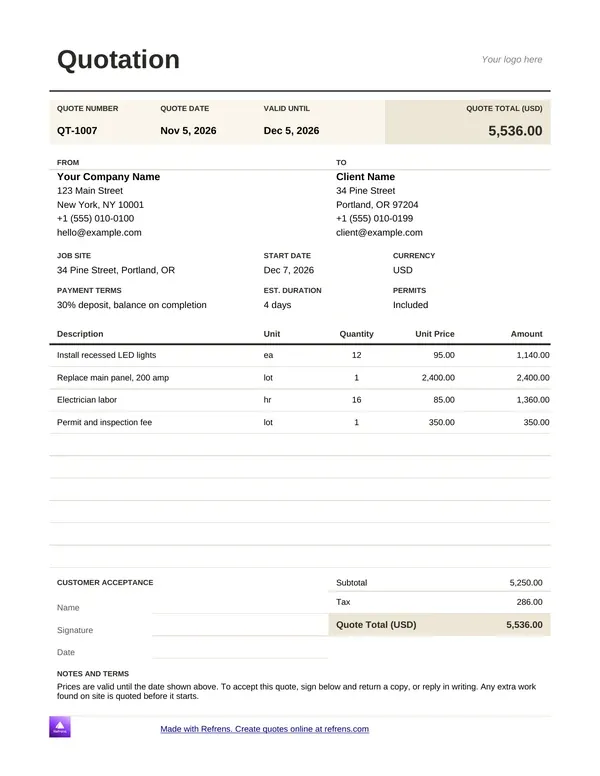
Contractors quote by the job. Scope first. Then materials, labour, a deposit and a timeline.
The contractor template lists each part of the work with its cost and adds the VAT. Add your start date and how long the job takes. A clear timeline answers the first question every client asks.
Selling goods? Quote the product, the quantity and the unit price.
Product quotation template in Word. The Word file holds:
Product quotation template in Excel. The Excel file has columns for item description, quantity, unit price, discount and total. Formulas calculate the totals and apply the discounts.
Wholesalers and distributors: use the discount column for bulk orders. Put delivery terms in the notes.
Eight steps.
Build your own and you spend the first hour on formulas, borders and print settings. Start from a template and the maths is done.
If you still want to build it yourself, five formulas do the job. Here is an illustrative catering quote for 60 guests.
In Excel, the line total is =B2*C2, the subtotal is =SUM(D2:D3), VAT is =D4*0.15 and the total is =D4+D5. Change the guest count in cell B2 and every figure moves.
The templates above already hold these formulas. Open one, type your quantities and rates, and read the total.
Send PDFs, not working files. A PDF keeps your layout and stops anyone changing your price.
Name the file with the quote number and the client, for example Q-0042-Client-Name.pdf. You will find it in seconds a year from now.
VAT in South Africa is 15%. If you are registered for VAT, show the price before VAT, the VAT and the total as separate figures. Each template has a VAT line and a field for your VAT registration number. If you do not charge VAT, delete the line.
A quote is an offer. It is not a tax invoice. After the client accepts, you issue a tax invoice for the work. Make it with the free online invoice generator.
Every quote needs the same bones, whatever your trade.
Miss one and the client phones you to ask. Or goes to someone whose quote answers it.
Each mistake sits next to the field that prevents it.
Check the six before you hit send. It takes a minute.
Use Word when the quote is mostly words. A scope of work, a proposal, a few prices.
Use Excel when the quote is mostly numbers. Many lines, discounts, VAT, a total that has to be right.
Use PDF to send either one. Keep the Word or Excel file as your working copy. Send the PDF.
Not sure? Count the lines. Five lines or fewer, Word is fine. More than that, take Excel.
A file is a good start. It has limits.
Send a few quotes a month? A file does the job. Send more, and every retyped quote is another chance for a mistake. That is when quotation software pays for itself.
Want the quote built for you? Fill in the form at the top of this page, or use the free online quotation generator. Add your quote details, then download a PDF. Refrens does the totals and the VAT.
You can fill in the form before you sign up. The free plan covers 15 documents a year.
Change the template to fit your quote. Add custom columns and fields. You do not need to type the same details again for every quote.
Pick the colours of your quote. Set the margins and the print format too.
Stop searching your computer for old quotes. Manage and track every quote in one place on Refrens.
Turn an accepted quote into an invoice in one click with Refrens invoicing software. You do not build the invoice from scratch.
Email a quote and see whether your client opened it.
Pick a future date and time. Refrens sends the quote on time, even when you are not at your desk.
Quote in rand, or in the currency your client pays in.
Create a quote on Refrens for free.
Pick a quotation template in Word or Excel above, replace the sample text and send the quote as a PDF. Word suits a short quote. Excel suits a quote with many lines and a total that has to be right.
When the files start to slow you down, move the quote into Refrens. It calculates the VAT, shows whether the client opened your email, keeps every quote in one place and turns the accepted quote into an invoice. Start free.
Yes. This page has Word quote templates for freelancers, services, catering, sales, business, construction, security, contractors and products. Click a template, download it as a Word file and replace the sample text with your details.
Right here. Choose an Excel template from the list above. It opens in Google Sheets. Choose File, then Download, and pick Excel (.xlsx). The Excel files calculate line totals, discounts, VAT and the grand total.
Open the file and choose File, Save As, then PDF. In Google Docs or Google Sheets, choose File, Download, then PDF. In Excel, set the page to fit one page wide before you save, so no column spills onto a second page.
Make a header with your company details, then a table with item, quantity, rate and amount. Multiply quantity by rate for each line, add the lines for a subtotal, multiply the subtotal by 15% for VAT and add the two for the total. Or skip the build and download one of the Excel templates above, where the formulas already work.
A quote template is a document the seller prepares for a potential buyer. It describes the product or service on offer and its price. It works like an estimate. The buyer sees the product or service name, rate, description, applicable tax and discounts. Once the buyer accepts the quote, you convert it into an invoice. On Refrens that takes one click.
Using a Refrens quote template, you can create a quotation in a few minutes. The steps:
A quote template must include:
Yes. In the Word and Excel files, you can edit anything: text, columns, logo, terms and layout. In the Refrens quote form, you can add your business logo, custom columns and custom fields. You can add custom formulas when a quote has calculations across several columns. You can also hide the totals on the quote.
You can create a quotation in Word, Excel or PDF. Choose the one that suits you.
1. Word quote template. Word is easy to use and installed on most computers. You type your details into a simple document and share it quickly.
2. Excel quote template. Excel gives you more control over the numbers. You can add formulas for totals and tax.
3. PDF quote template. PDF is made for sharing. Once saved, nobody can edit the file.
Refrens gives you the three in one place. You fill in a form, and Refrens calculates the totals and tax and gives you a PDF. Pick a style, such as a freelance, service or construction quote, and send it.
Yes, if you are registered for VAT. Show the price before VAT, the VAT at 15% and the total as separate figures, so the client sees exactly what they pay. If you are not registered for VAT, you do not charge it, and you leave the VAT line out.
No. A quotation is an offer to supply goods or services at a price. A tax invoice is the document you issue after the client accepts and you supply. Keep both. Send the quote first and the tax invoice second. Create the tax invoice with an invoice generator.
Long enough for the client to decide, and short enough that your costs do not move under you. Choose the shortest window your client can reasonably meet, and write the Valid Until date on the quote. Use a shorter window for jobs with changing material or food prices.
Stop when retyping, numbering and chasing take more time than selling. If you quote often, repeat the same lines, or lose track of which quotes the client opened, move your quotes into Refrens. You keep the same details, the quote becomes an invoice in one click and every quote lives in one place.
Refrens is cloud invoicing and quotation software for small businesses, with a built-in sales CRM and inventory. Service industries such as agencies, consultants, IT businesses and T-KIBS (Technology- and Science-Based KIBS), along with contractors, wholesalers, traders and distributors, use it to quote, bill and keep records in one place. More than 6,300 South African businesses created quotations on Refrens, and more than 2,900 created invoices.